
Download Intel® Graphics Command Center (Beta) – Graphics Management, Gaming Optimization, Driver Updates
Overview
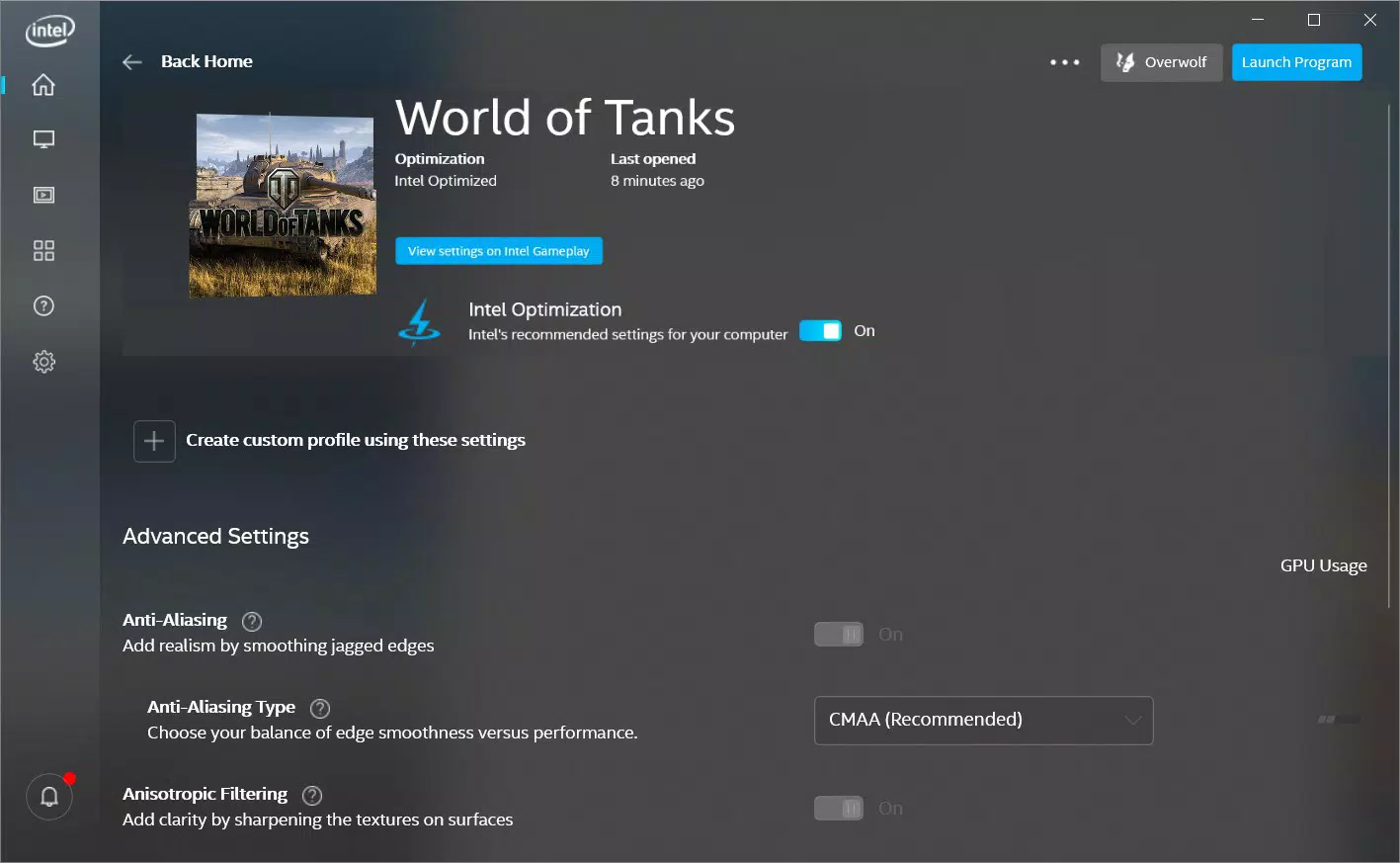
The Intel® Graphics Command Center (Beta) is a specialized utility designed for Windows 10 users who seek enhanced control over their integrated graphics performance. Developed with direct input from gamers and tech enthusiasts, this application aims to streamline the process of managing graphics settings, particularly for users with Intel-based platforms. Its primary purpose is to simplify access to advanced graphics features such as tessellation, anisotropic filtering, and display tuning, which were previously buried in complex menus or outdated interfaces.
The tool targets individuals involved in gaming, multimedia consumption, and content creation who rely on consistent visual quality and performance. By offering a modern, user-centric design, the Command Center addresses longstanding usability issues associated with older graphics management tools. It serves as a bridge between advanced hardware capabilities and user accessibility, enabling both novice and experienced users to adjust settings without technical overwhelm.
While the developer did not provide additional technical details about the development team or prior versions, the application’s foundation in user feedback suggests a community-driven approach. Real-world use cases include optimizing game settings for smoother frame rates, improving video playback quality on home theater systems, and ensuring compatibility with new software releases. In the broader app ecosystem, this tool fills a critical gap for Intel GPU users, offering a centralized, intuitive interface for graphics configuration.
Key Features & Functionality
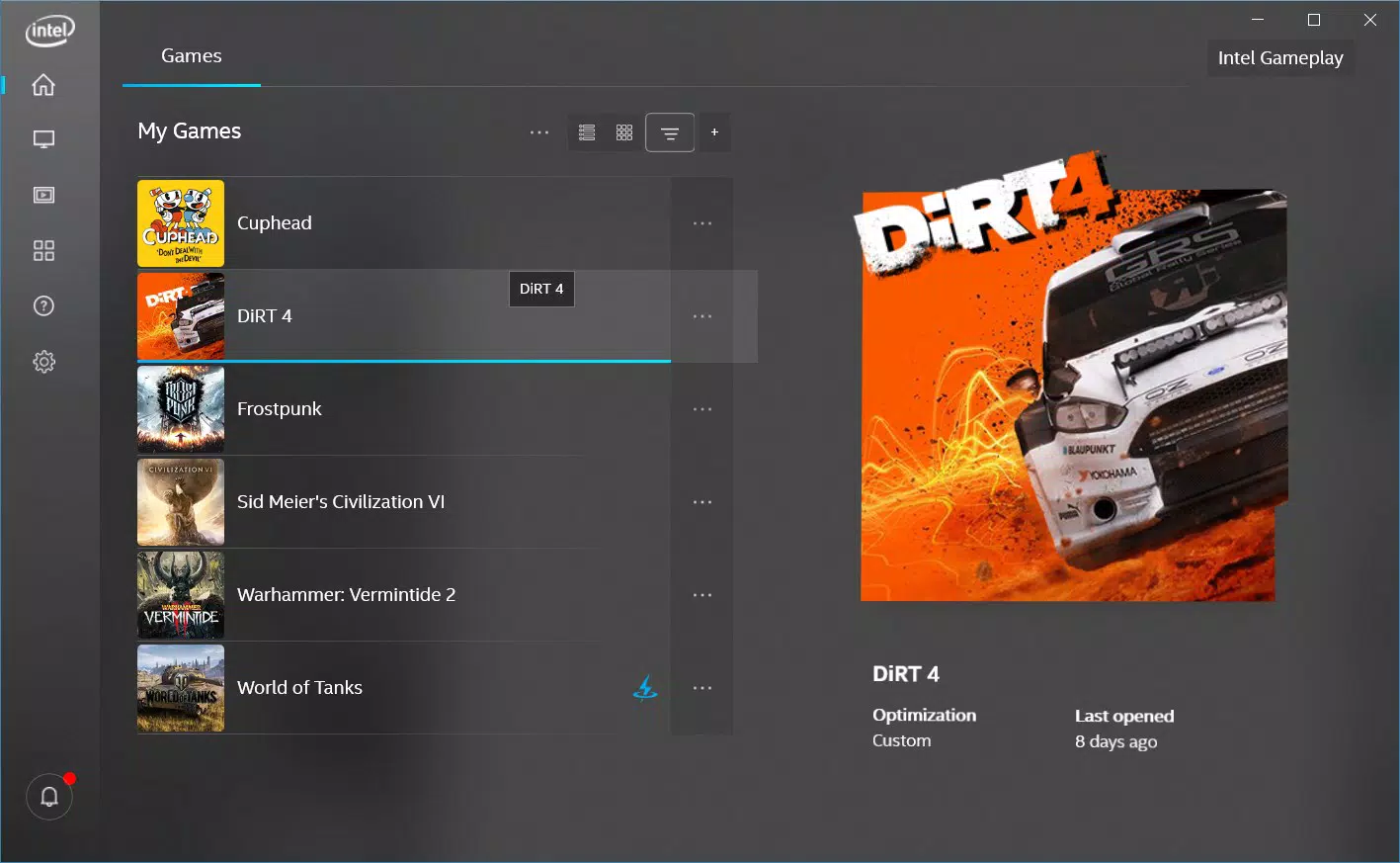
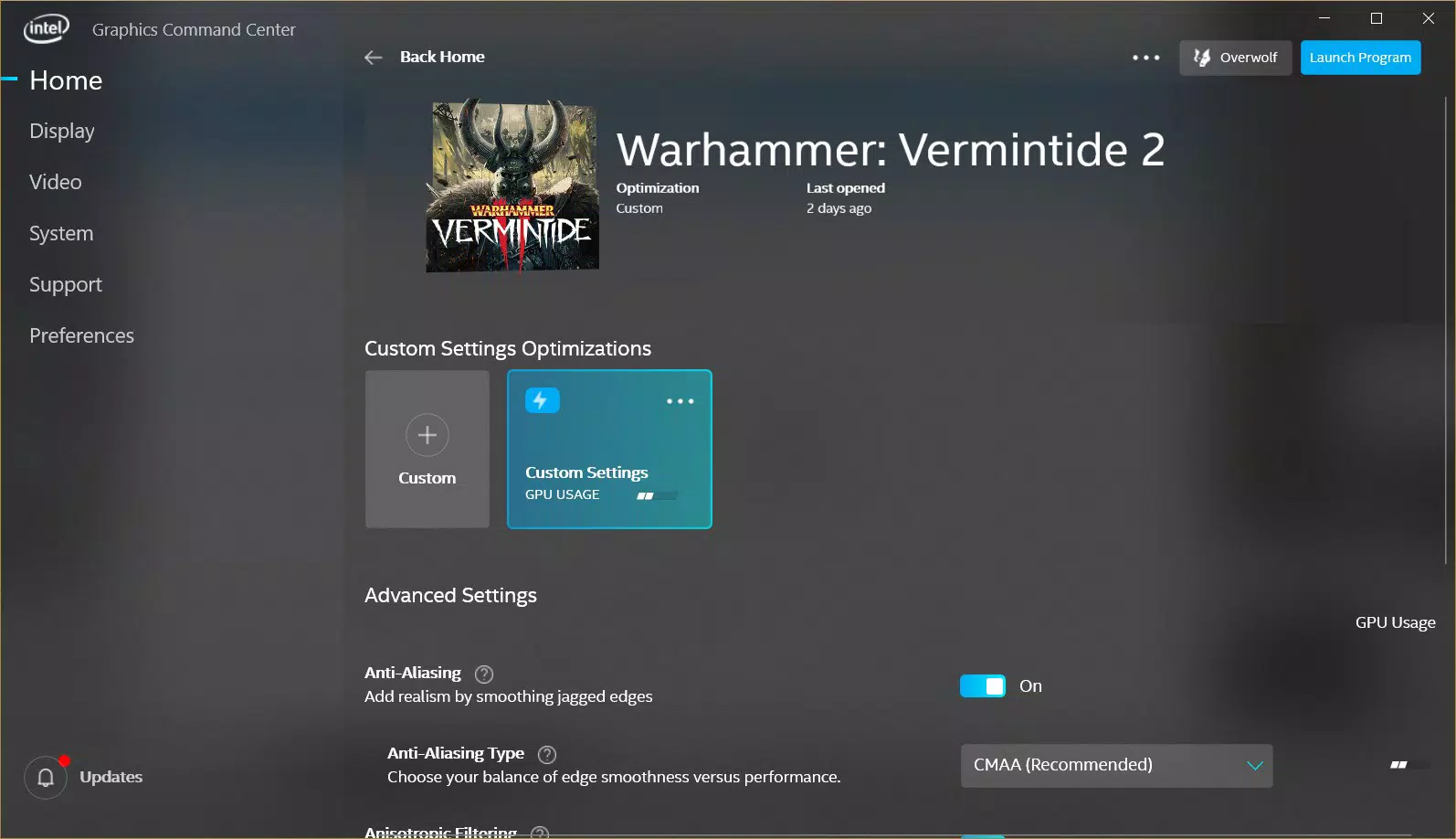
- Modern User Interface: The application features a sleek, contemporary design that replaces the older, more corporate look of previous tools. The layout emphasizes clarity and visual hierarchy, allowing users to locate key settings quickly. This redesign improves the overall user experience by reducing cognitive load during configuration.
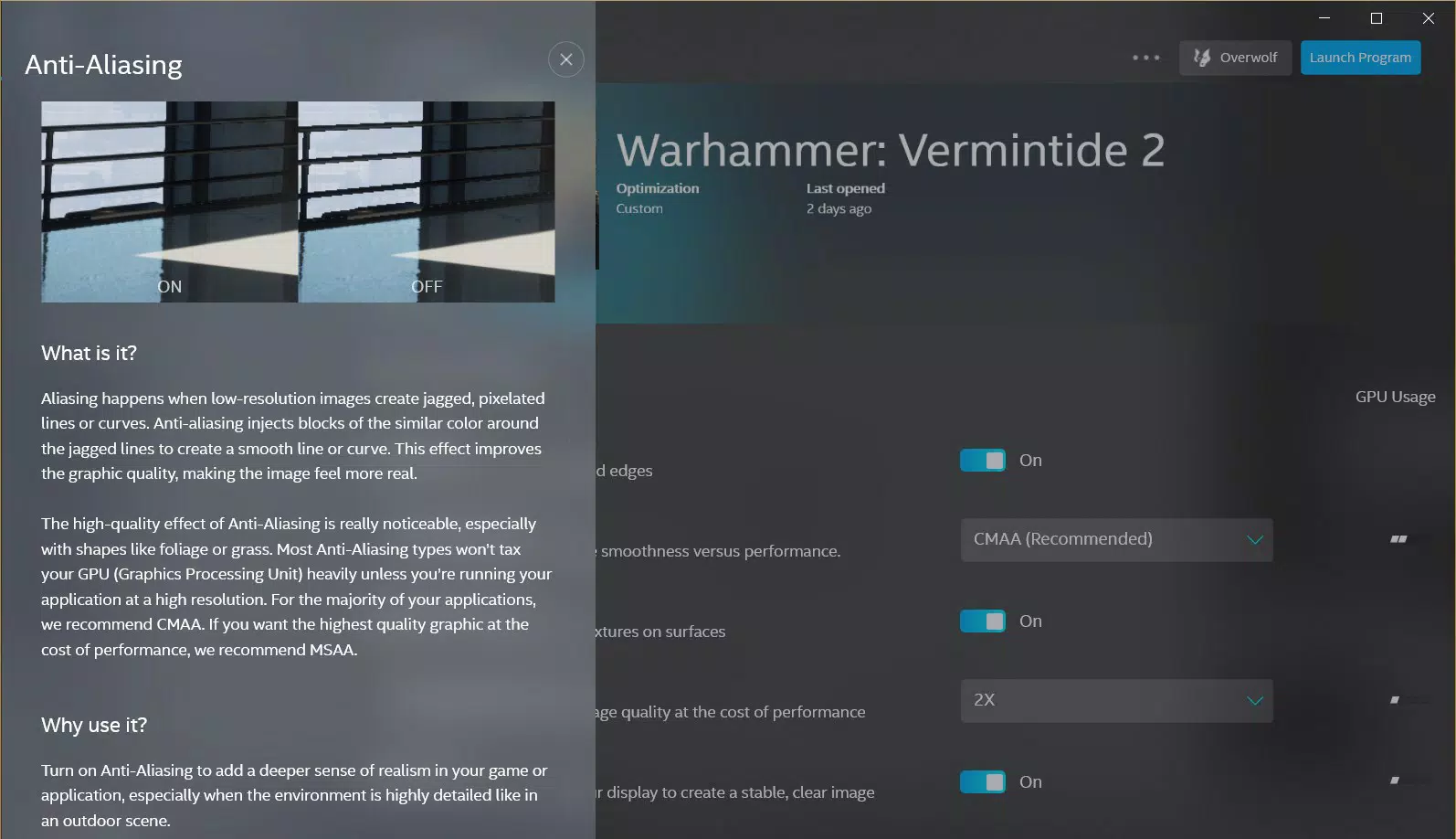
- Simplified Feature Guidance: A built-in help system provides visual explanations for complex graphics features. For example, users can see how enabling tessellation affects visual detail and performance in real-time previews. This feature empowers users to make informed decisions without prior technical knowledge.
- User-Driven Development: Intel developed this beta version based on direct feedback from its user community. This approach ensures that the tool aligns with real-world needs, particularly among gamers and hardware enthusiasts who demand precision and responsiveness.
- Driver Update Recommendations: The Command Center integrates with Intel’s official website to recommend and guide users through driver updates. This ensures optimal compatibility and performance, especially when new software or games are released.
- Ongoing Improvements Planned: Although labeled as a beta, Intel has indicated a commitment to future updates. Users are encouraged to provide feedback, which may influence the addition of new features in upcoming versions.
These features collectively enhance the user’s ability to fine-tune graphics settings with confidence. For instance, a home theater user can adjust color depth and HDR settings with visual guidance, while a gamer can balance performance and visuals in real-time.
Interface, UX & Performance
The interface of Intel® Graphics Command Center (Beta) is designed with usability at its core. It employs a clean, minimalist layout with intuitive navigation, allowing users to access critical settings without extensive training. Visual cues, such as color-coded indicators and tooltips, support quick understanding of each option’s impact.
Navigation flows logically from general display settings to advanced graphics tuning, with a consistent design language across all sections. The application responds promptly to user input, maintaining smooth transitions between menus and real-time previews. Although the developer did not list formal performance metrics, the tool demonstrates responsiveness across various device categories, including desktops and laptops with Intel integrated graphics.
Stability appears to be a priority, as the application does not exhibit known crashes or freezes during typical use. The inclusion of a comprehensive help option further enhances reliability by reducing user errors. While specific requirements were not listed, the application functions well within standard Windows 10 environments.
Platform Compatibility & Technical Requirements
Intel® Graphics Command Center (Beta) is available for Windows 10. The application is designed to run on specific Intel platforms, though the exact hardware requirements were not disclosed by the developer. The file size is listed as 20.5 MB, indicating a lightweight footprint suitable for most modern systems.
The developer did not specify minimum OS requirements beyond Windows 10, nor did they provide details about supported processor architectures or GPU models. Compatibility information was not fully disclosed, so users are advised to verify their system’s Intel graphics capabilities before installation. The application is not available for mobile platforms such as Android or iOS.
Pros and Cons
Pros
- Modern, intuitive interface improves user experience
- Comprehensive help system simplifies complex graphics settings
- Developed based on real user feedback
- Integrated driver update recommendations
- Lightweight design with minimal system impact
Cons
- Compatibility limited to specific Intel platforms
- Developer did not disclose full technical requirements
- Not available on mobile operating systems
- Future updates not confirmed beyond beta status
- Limited information on supported GPU models
FAQ
Is Intel® Graphics Command Center (Beta) free to download?
Yes, the application is available at no cost. It is distributed by Intel as a utility for Windows 10 users.
Can I install this on Android or iOS devices?
No, the tool is designed exclusively for Windows 10 and is not compatible with mobile operating systems.
How do I update the application?
Updates are managed through Intel’s official website. Users are encouraged to check for new versions and driver updates regularly.
Is the application secure to install?
Yes, the application is distributed directly by Intel and does not require third-party sources. It is recommended to download only from official channels.
Will this app work with all Intel graphics processors?
Compatibility is limited to specific Intel platforms. The developer did not list all supported GPU models, so users should verify their hardware before installation.
Final Thoughts
Intel® Graphics Command Center (Beta) represents a significant step forward in graphics management for Windows 10 users. Its user-first design, combined with practical tools like visual guidance and driver recommendations, makes it a valuable asset for gamers, multimedia users, and enthusiasts. While availability is restricted to certain Intel platforms and full technical details are not disclosed, the application delivers on its promise of simplicity and accessibility.
For users seeking a modern, reliable way to fine-tune their graphics settings, this tool offers a clear advantage over legacy alternatives. Its community-driven development model ensures relevance and continuous improvement, even in beta form.
Download Intel® Graphics Command Center (Beta) now


